The icon field ACF should have shipped with.
Search for an icon inside the field. PHP writes the SVG straight into your markup. Heroicons are free; Pro adds Lucide, Tabler and your own SVGs.
From WordPress.org, or see Pro
Select Icon
324 icons available • 7 recent • 41 common
Recently Used
Common Icons
Search for an icon, or browse the full library.
You are using Hero Icons. View full icon set.
Pick an icon. Get an SVG in your markup.
Nothing lands in the media library.
ACF 6.3 added an Icon Picker with three sources: Dashicons, the media library, or a URL. Dashicons is the only icon set in there — everything else means you supply a file, and that file is yours forever: a name to remember, a size and a colour baked in, and a row someone has to clean out.
Open Icons stores the icon in the field itself: which library, which name, which colour token, and the SVG markup. No attachment, no media library row, nothing for an editor to delete by accident.
ACF Icon Picker
// return format: array
{
  "type":  "media_library",
  "value": 4182
}
An attachment ID. The icon is a row in the media library and a file on disk.
Open Icons
// return format: array
{
  "provider":   "lucide",
  "version":    "0.544.0",
  "iconKey":    "calendar-days",
  "colorToken": "A",
  "svg":        "<svg …>"
}
The icon and its markup, in the field. Nothing in the media library.
<?php
$icon = get_field('feature_icon');

get_openicon($icon, [
    'size'  => 32,
    'class' => 'card__icon',
]);
Output
<!-- rendered on the server -->
<svg class="card__icon" width="32" height="32"
     viewBox="0 0 24 24" fill="none">…</svg>
One function. No assets.
The SVG is written into your markup by PHP, before the page is sent. There is no script to enqueue, no stylesheet, no font file and no CDN request.
0 KB
added to the frontend
0
network requests
Search that forgives your typing.
An ordered subsequence match with up to three inserted characters, so calendr finds calendar and arw finds every arrow. It runs across the whole library as you type.
The picker at the top of this page runs the same rule. Type in it.
Live, against the 324 Heroicons loaded on this page.
What Pro adds.
The same field and the same picker, with more to pick from: two more libraries, your own icons, and a way to switch between them.
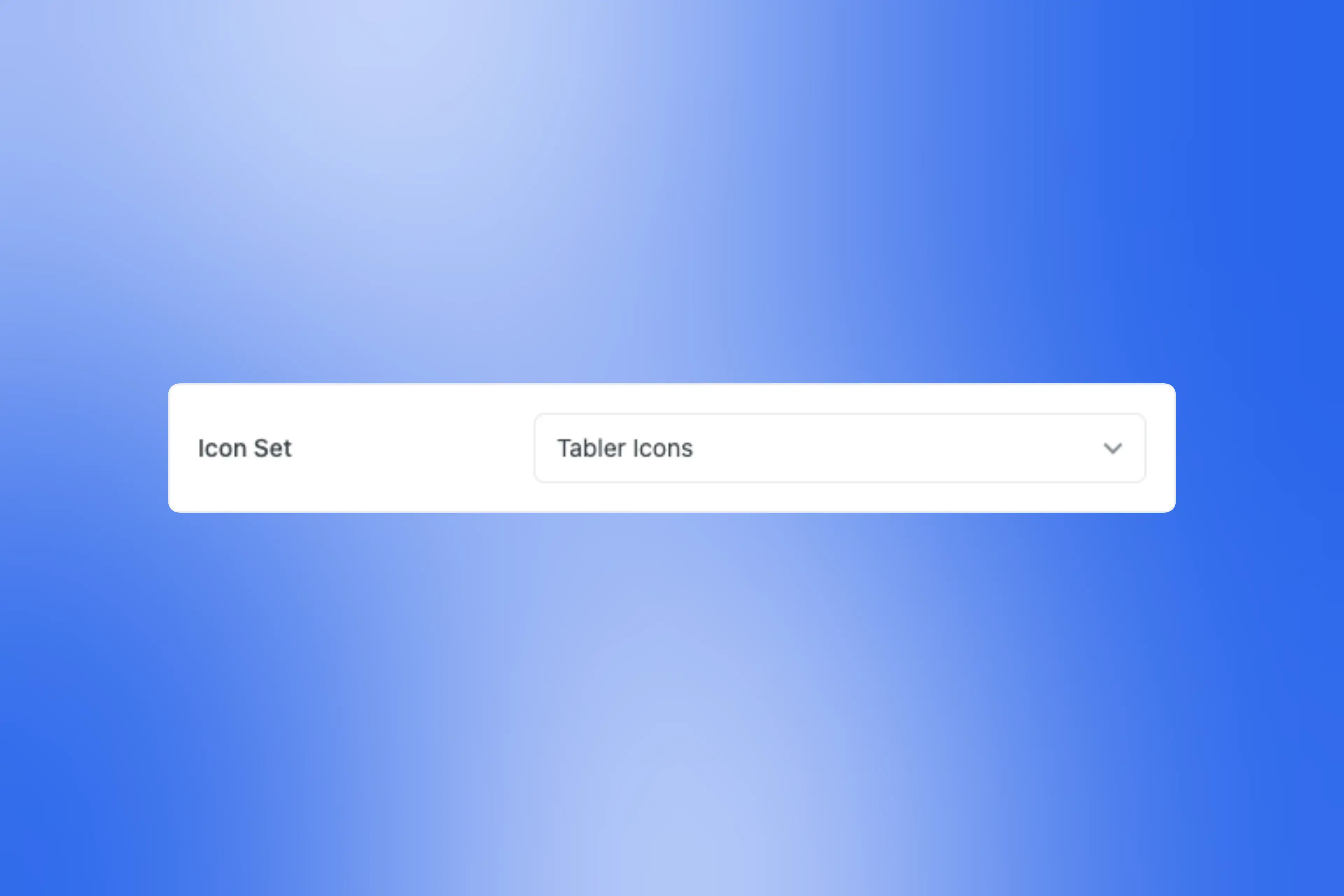
Your choice of library
Heroicons, Lucide or Tabler — 324, 1,500 or 5,200 icons. Pick one in settings and every icon field uses it.
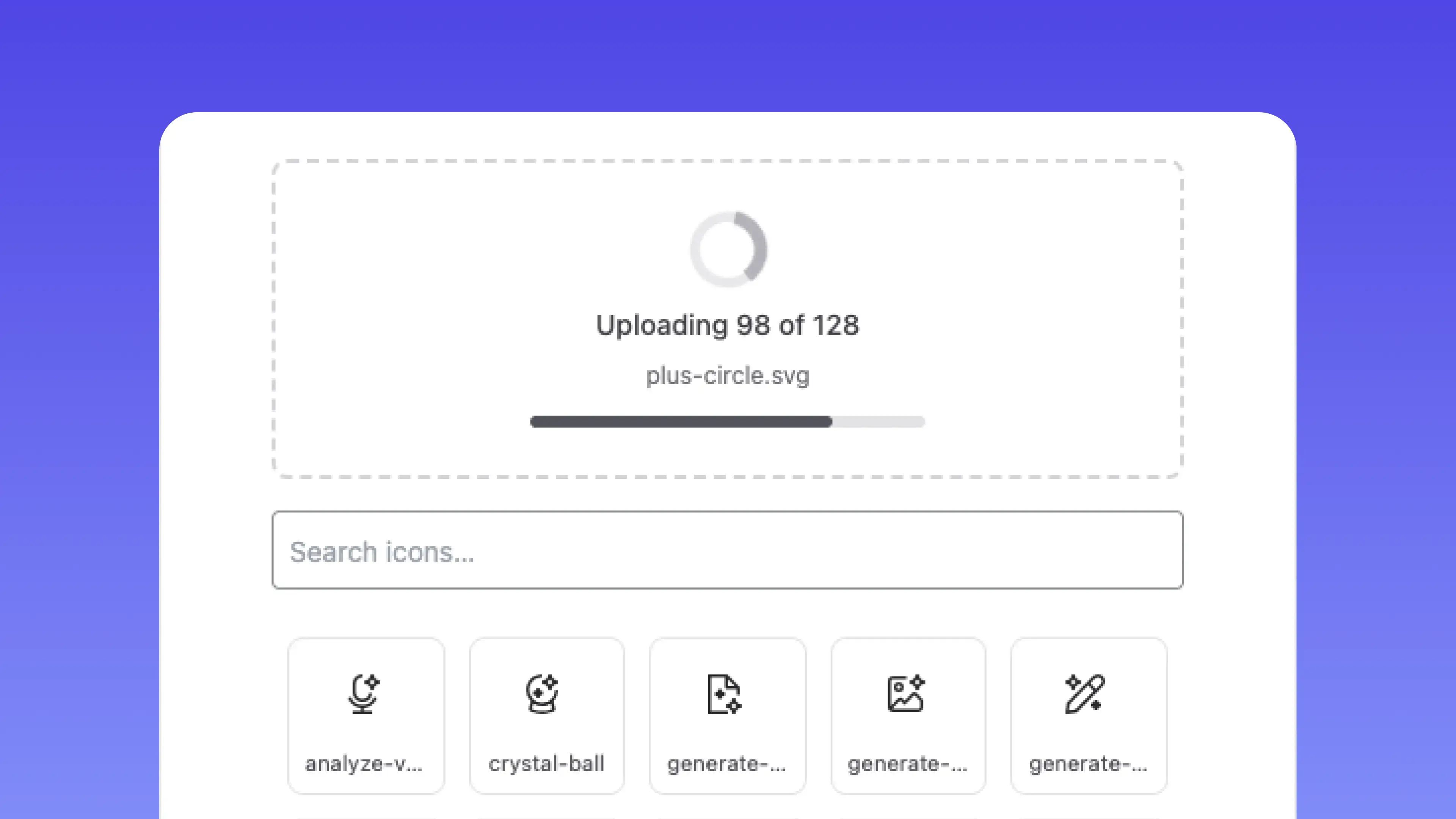
Your own icon set
Upload a whole set at once. Scripts and event handlers stripped on the way in, then pick it like any library.
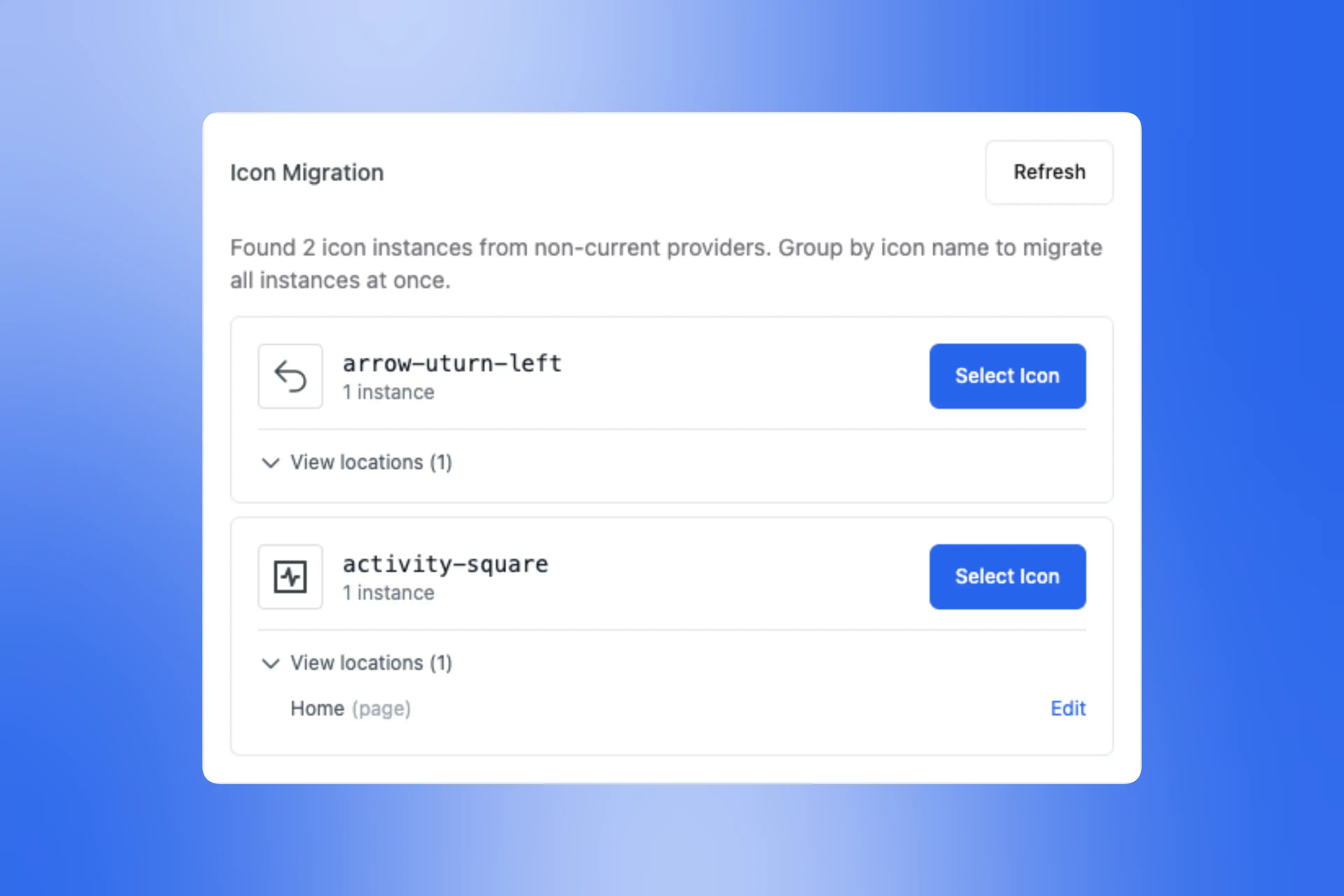
Library migration
Changed your mind halfway through. Matching names move across on save. The rest you remap by name, all instances at once.
Works where ACF works
It is an ordinary ACF field. Wherever you already read field data, the icon comes with it.
One licence. Every site you build.
Not per install, not per seat, not per client.
$0forever
Install from WordPress.orgHeroicons only. No Lucide, no Tabler, no custom SVGs, no migration tool.
$19per year
Renews yearly. Cancel and the plugin keeps working — updates stop.
$69once
Already on yearly? Email us — we deduct what you have paid from the Lifetime price.
30-day money-back guarantee on both paid plans. Email us inside thirty days and we refund it.
Before you install
Anything else — email us.
“Open Icons is truly a game changer for adding icons to my sites. The integration into ACF is so smooth, fitting perfectly as a new field type, and the ability to customise colours allows me to tailor icons to each brand with ease.”
 Jay Lewis · WordPress developer
Install it on the next build.
Free on WordPress.org, 324 Heroicons, no account. Pro is $19 a year or $69 once, for every site you build.